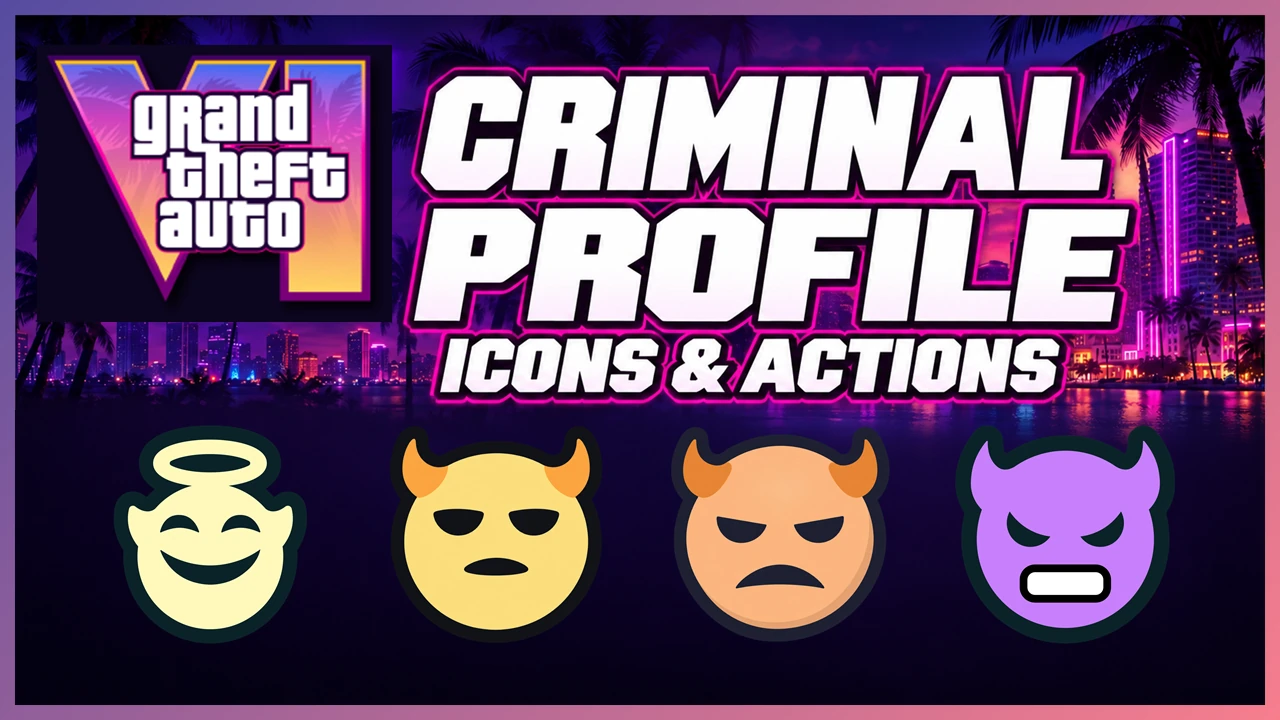
GTA 6’s Criminal Profile reflects how Jason and Lucia behave as criminals. It considers how they carry out a job and whether they use unnecessary violence, rather than simply whether they commit a crime. Their profiles also affect how people and police respond to them.
Key points
- Committing a crime does not automatically give you a worse profile.
- Jason and Lucia each have their own Criminal Profile.
- The face icon represents the profile. Wanted stars and the heart between the two characters show different information.
Profile States
The four main states are Professional, Aggressive, Violent, and Psycho. Each has a different face icon, with changes in color and expression that help you identify the state.
Increasing violence
Professional → Aggressive → Violent → Psycho
Violent represents more violent behavior than Aggressive. Psycho goes further, reflecting extreme violence and chaos.

Professional
Getting the job done efficiently while avoiding unnecessary violence. This profile reflects restraint toward bystanders and avoiding needless chaos after completing an objective. Its icon is a pale yellow smiling face with a halo.

Aggressive
More aggressive behavior than Professional. This state reflects unnecessary harm and escalating confrontations. Look for the yellow face with horns.

Violent
More violent behavior than Aggressive. This state sits beyond Aggressive in terms of violence. Its orange face, angled eyes, and downturned mouth distinguish it from the yellow icon.

Psycho
The most violent of the four main states. It reflects an extremely dangerous criminal who causes widespread violence and chaos. The icon is a purple face with bared teeth.
Where to Check Your Profile
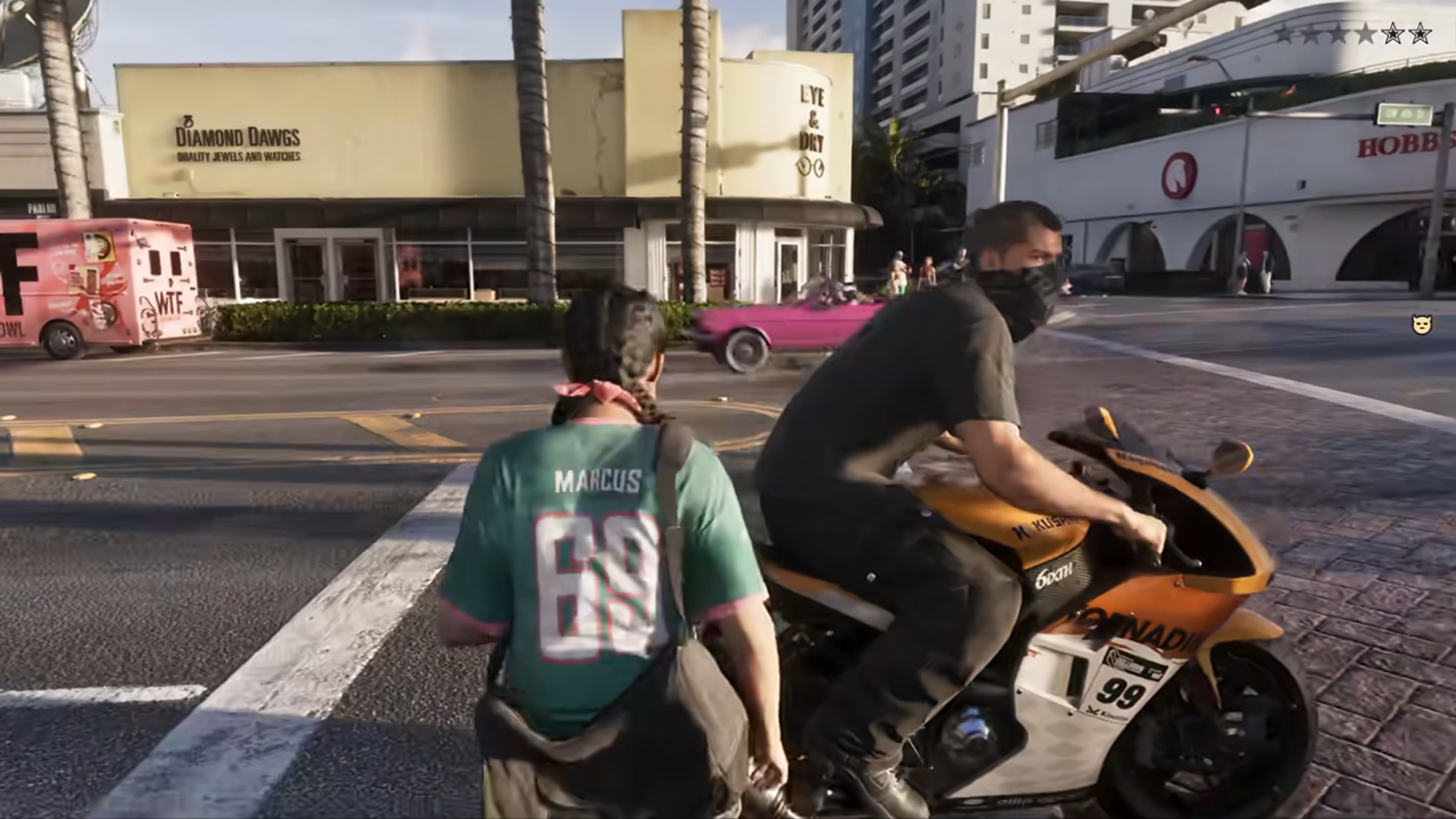
During gameplay: a temporary icon on the right
The face icon that briefly appears near the middle of the screen’s right edge appears to provide feedback on your actions. It may indicate that your profile has changed or that an action matches the behavior associated with that state.
The stars in the upper-right corner show your current wanted level. They occupy a different position and convey different information from the face icon.

Character switching: checking the current state
To check your current Criminal Profile, look below each portrait on the character-switching screen. Jason and Lucia’s states are displayed separately, so you can compare their profiles.
The icons below the portraits show each character’s current profile based on their actions so far. In this image, Jason has the yellow Aggressive icon, while Lucia has the orange Violent icon.


Actions That Change Your Profile
How you commit a crime matters. When robbing a store or stealing a vehicle, consider the difference between actions needed to complete the job and violence unrelated to the objective.
Completing a job while limiting unnecessary violence moves your profile toward Professional. Attacking bystanders or continuing to cause chaos after the job is done can move it toward Aggressive, Violent, or Psycho.
| Situation | Choice of action | Effect on your profile |
|---|---|---|
| Robbery | Leave after completing the objective, or keep attacking people and escalating the situation. | An efficient getaway favors Professional behavior. Continuing unnecessary violence pushes the profile toward more violent states. |
| Vehicle theft | Order the owner out of the vehicle, or shoot back if they open fire. | Stealing the vehicle is only part of the assessment. Choosing to shoot during the confrontation also affects your profile. |
| Attacking people | Take action to complete a job, or use violence against uninvolved people. | Repeated violence against bystanders and unnecessary chaos push the profile toward more violent states. |
For example, if a vehicle’s owner resists, you can shoot back or leave. That choice affects your profile and how people respond afterward, giving you a reason to consider alternatives to forcing your way through every encounter.
The Shattered State

Shattered is a special state beyond the four main states. If repeated extreme actions cause the icon to shatter completely, your profile reportedly cannot be restored as you continue playing on that save file.
How People Respond
Your Criminal Profile changes how residents and police respond to you. As your behavior becomes more aggressive, their responses become more aggressive too. The same city or job can therefore play out differently depending on your choices.
You can play as an efficient criminal or as someone who causes chaos. Professional is not the only valid way to play GTA 6.
Wanted Level and Heat
| System | What it represents |
|---|---|
| Criminal Profile | How Jason or Lucia behaves as a criminal. |
| Wanted level | The current intensity of the police pursuit, shown by stars. |
| Heat | A police search based on information about the suspect’s clothing, appearance, vehicle, and other identifying details. |
Escaping a police pursuit and changing your Criminal Profile are separate matters. Your wanted level concerns the current pursuit, while your Criminal Profile reflects your character’s behavior.
For an overview of other features, see GTA 6 Game Systems & Basic Features.