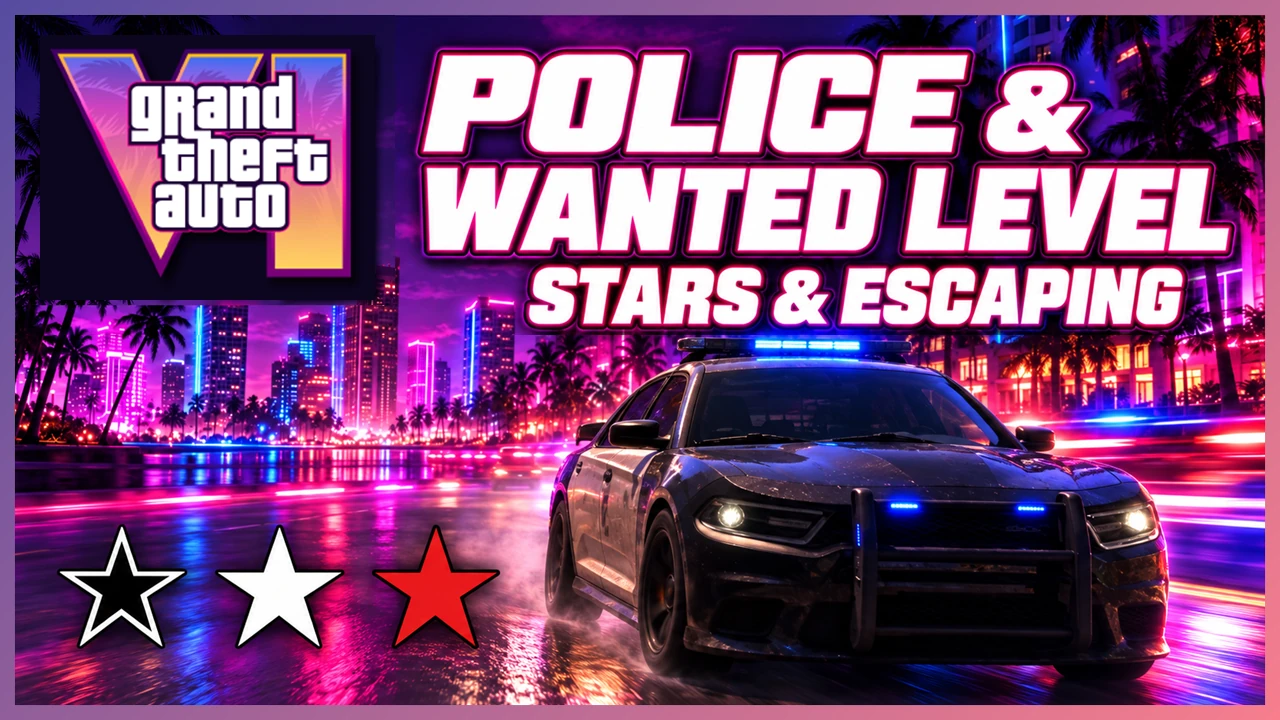
GTA 6 has six wanted levels, from one star to six, representing the intensity of the police response. Meanwhile, hollow, solid white, flashing white, and red stars indicate whether police have identified you, are pursuing you, or are searching for you. When escaping, check both the number of stars and their appearance.
Key points
- The number of stars shows your wanted level. Their appearance shows the pursuit or search state.
- Police may continue searching based on information about the suspect after you break their line of sight.
- Escaping involves more than putting distance between you and the police. Hiding places and what police know about you also matter.
Wanted Levels
Police respond more forcefully as the number of stars increases. One star is the lowest wanted level; six stars is the maximum. The diagrams illustrate how more illuminated stars indicate a higher level.


For example, staying at a crime scene and continuing a shootout escalates the confrontation with police. Leave promptly after completing your objective and avoid unnecessary fighting when planning an escape.
Star Types and Meanings
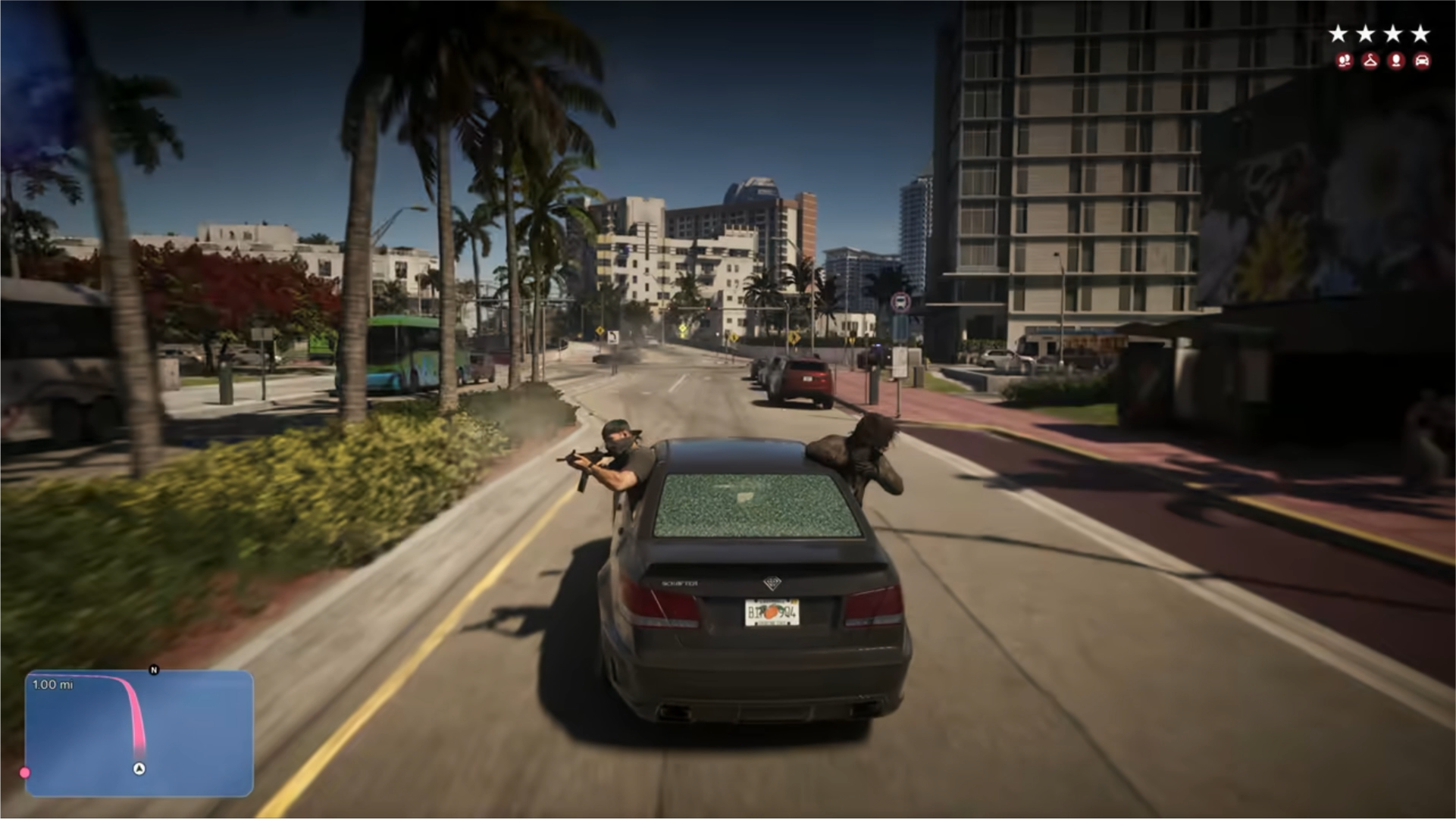
Even at the same wanted level, the stars can look different depending on what police know about the situation. Having four stars and whether those four stars are white or red are separate pieces of information.

Hollow: suspect unidentified
The crime has been reported, but police have not identified the suspect. They are heading to the scene without knowing who they should be looking for.

White: spotted and pursued
Police have identified you and have a direct line of sight. Your immediate task is to break away and reach a place where they cannot see you.

Flashing: out of sight
You have broken the police’s line of sight, but the pursuit continues. Move or hide without being spotted again.

Red: police still searching
You have escaped the immediate pursuit, but police are searching nearby. They still have information about your clothing, appearance, or vehicle, so you risk being identified again.
What Triggers a Report
Police learn about crimes through witnesses and alarms. Whether someone saw you or an alarm was triggered changes what happens after a crime.
| Trigger | Example |
|---|---|
| Witness report | A passerby sees you entering a store with a gun drawn, or a vehicle’s owner reports the theft. |
| Store alarm | Kicking down a door triggers an alarm and alerts police. |
| Vehicle tracker | A stolen vehicle’s tracker sends a signal that reveals its location to police. |
You can also enter quietly and disable cameras or alarms before stealing. Your choices affect how a crime is discovered, as well as how it ends.
Police Search Areas
A heat zone, or police search area, remains around the crime scene. It appears as a red area with a lighter red area surrounding it. Police continue searching within these areas even after you escape the immediate pursuit.
When getting away, leave the outer, lighter red area as well. Returning to the crime scene soon afterward risks another encounter with police who are still there.
The search area may expand as your wanted level rises. A distance that was enough to escape at a low level might leave you inside the search area at a higher one.
Six stars: a map-wide search
At six stars, the police search reportedly extends across the entire map. Simply traveling farther will no longer take you outside the search area, making it important to avoid police sightlines and recognition.
Police and the Minimap
In GTA 6, police positions and their vision cones reportedly do not appear on the minimap. Unlike in GTA 5, you cannot escape simply by steering around police icons and cones on the map.
Use the minimap to check search areas and the surrounding layout, but look around in the game world to judge where police are. Check for nearby officers before leaving an alley or returning to a vehicle.
You can also use the Focus ability to highlight nearby police and locate them. Choose an escape route based on your surroundings rather than relying only on the map.
Escaping the Police
- Break the police’s line of sight.
Instead of staying on main roads, you can get out of your vehicle, enter an alley, climb a fence, or hide behind cover. In a city, narrow routes on foot can sometimes offer a better escape.
- Check the stars.
Flashing white stars mean the pursuit continues after police lose sight of you. Keep avoiding contact so they do not spot you again.
- Leave the search area.
Red stars mean police are still searching within the area. Check its boundaries on the map, move away, and avoid returning immediately. At six stars, the search reportedly covers the whole map, so leaving a local search area is no longer an option.
You also have options for escaping without killing officers or bystanders. Examples include suppressive fire near an opponent to hold them back, or shooting the tires of a pursuing police car. Creating time to escape can lead to a different outcome from staying and escalating a shootout.
Escaping as a Pair
Police may know that Jason and Lucia are working together. Splitting up can divide the police’s attention. Leaving an identified vehicle behind can make it harder for police to track your escape.
However, if either character is arrested, you get a “Busted” screen even if the other escapes. Escaping successfully therefore involves more than protecting only the character you are controlling.
How Heat Differs
| System | What to check |
|---|---|
| Wanted level and stars | The intensity of the police response and whether the suspect is unidentified, being pursued, or being searched for. |
| Heat | What police know about the suspect, such as clothing, appearance, and vehicle, and the search based on that information. |
Escaping the immediate pursuit does not mean police have lost all information about you. Changing clothes, switching from a known vehicle, or leaving the search area matters when trying to avoid being identified again.
Criminal Profile vs Wanted Level
Your wanted level concerns the police response. Your Criminal Profile reflects how you behave as a criminal and uses a separate face icon. Escaping a pursuit and changing how your character’s behavior is assessed are different matters.
For the face icons and how your actions affect them, see the Criminal Profile guide.
For an overview of other features, see GTA 6 Game Systems & Basic Features.